Book a Class
Class Description
-
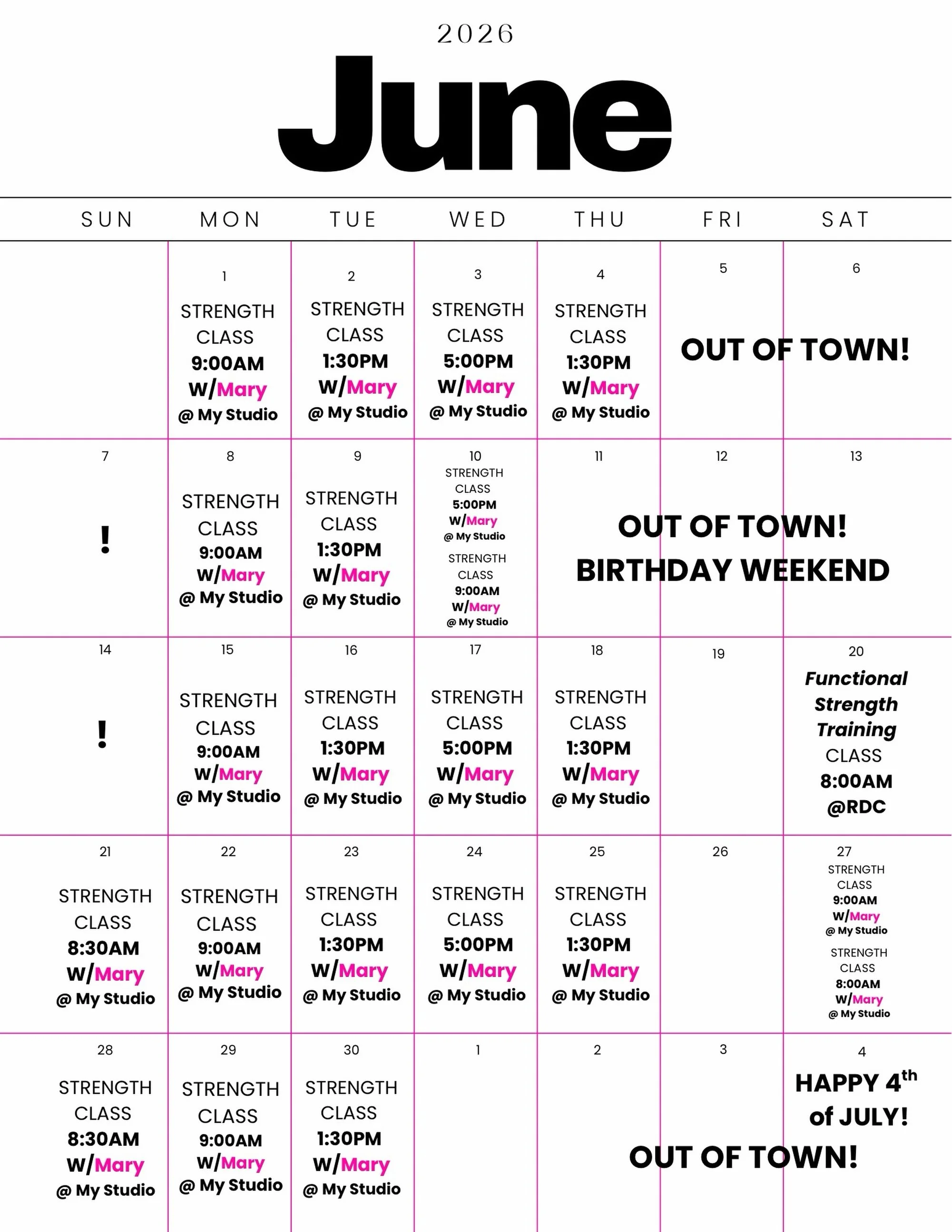
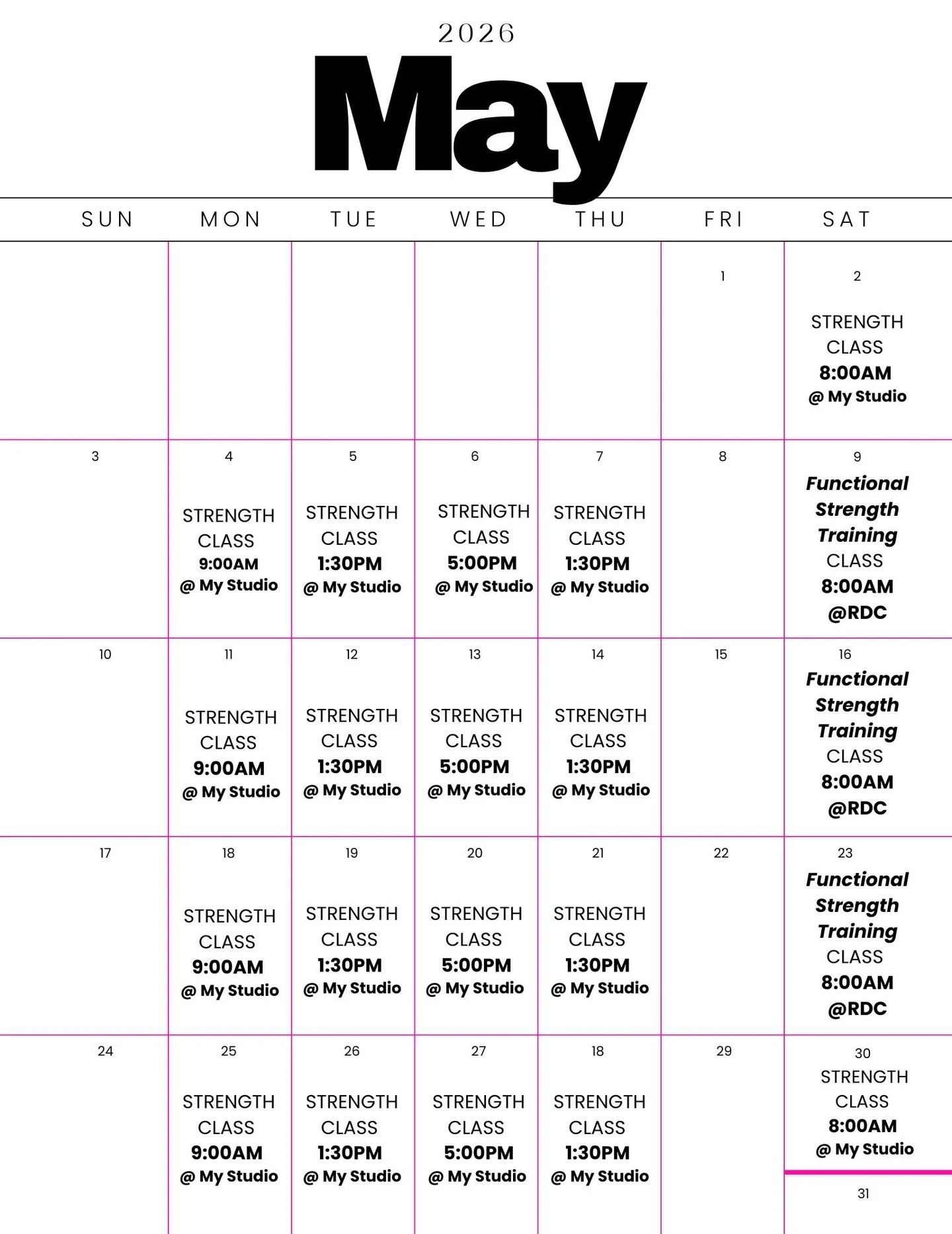
Functional Strength Training: Time: Saturday Mornings. Location: The Meraki Space, Revolution Dance Center
This full body FST class is designed to help you move better, feel stronger, and build foundation that supports everyday life. With a focus on proper form, safe progression, and intentional movement, this class slows things down so you can move with confidence and control. We will work with light weights, resistance bands, our own bodyweight and functional movement tools. We will move through all planes of motion, while improving mobility, alignment, stability, and strength. Perfect for all fitness levels.
-
Strength Training: Time: Tuesday/Wednesday/Thursday.
(Classes may be added)
Location: Montrose/La Crescenta neighborhood - Exact address shared after sign - up
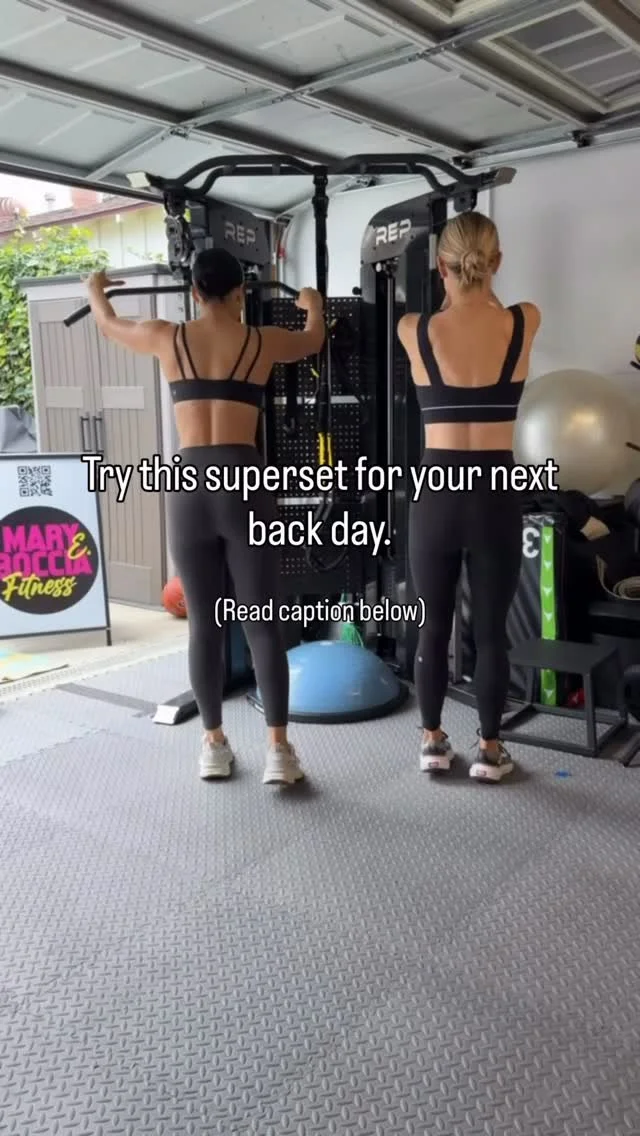
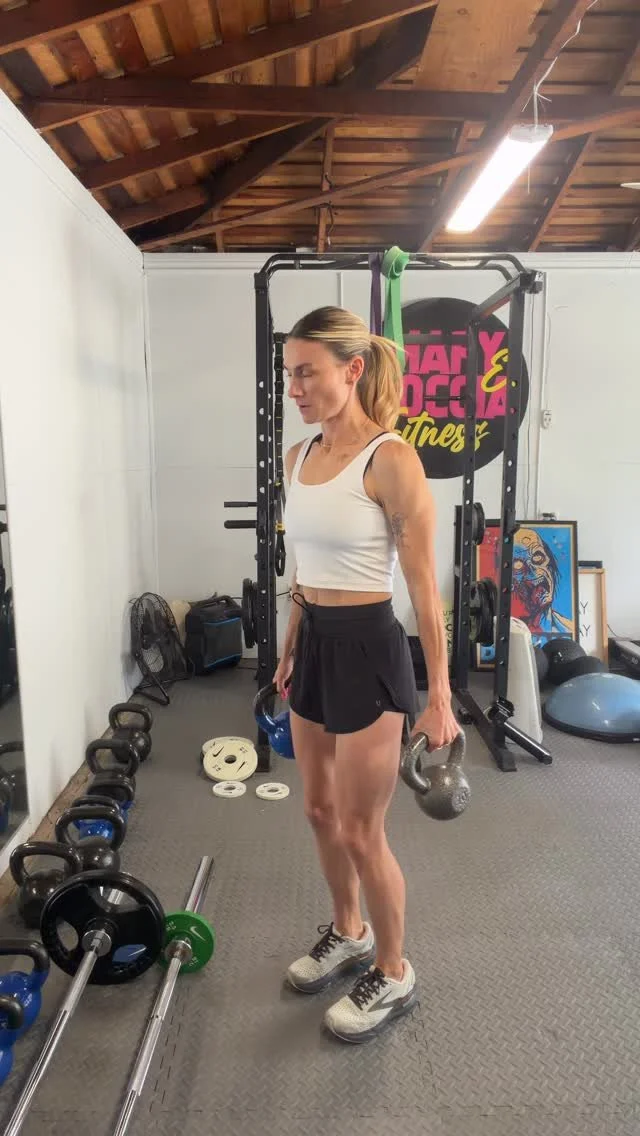
This strength class is designed to deliver personalized coaching in a motivating group environment - with a maximum of 4 participants per class. This intimate setting ensures focused attention, proper technique, and progressive results. Classes incorporate multiple training modalities to build full - body strength and resilience, including dumbbells, cable machine, weight rack and functional tools. Each session emphasizes progressive overload, proper engagement throughout the kinetic chain, and mobility that supports stronger, safer movement. All fitness levels welcome.
Please create an account before booking by clicking “Sign Up” in the top right corner. You must be LOGGED into your account to cancel or modify reservations. All changes must be made at least 24 hours before class. No refunds will be issued; eligible cancellations will receive class credit only. FAQ is down below.
FAQ
-
The best way to reach me is by email at maryeboccia@gmail.com.
Please allow 24–48 hours for a response.
-
We do not offer refunds for missed classes. However, if you cancel at least 24 hours before your scheduled class, you will receive a class credit that can be used toward a future booking. Please note: Cancellations made within 24 hours of your scheduled class are not eligible for a refund or class credit. No exceptions.
-
1. Tap the “Sign Up” icon in the bottom-right corner of the website.
2. Select Create Account.
3. Enter your email address and create a password.
4. Tap Create Account.
-
Visit www.maryebocciafitness.com, log in to your account, and book your class through the scheduling platform.
-
To reschedule an appointment:
1. Open your booking confirmation email.
2. Click Change/Cancel Appointment.
3. You’ll be taken to your confirmation page, where you can select Reschedule.
4. Choose a new available date and time. Your appointment type will remain the same.
5. Once complete, you’ll receive an updated confirmation email with your new appointment details.
-
To cancel an appointment:
1. Open your booking confirmation email.
2. Click Change/Cancel Appointment.
3. You’ll be taken to your confirmation page, where you can cancel your appointment.
-
Make sure you’re logged into your account before booking.
After purchasing a class package, gift certificate, or subscription, your purchase will be available to use during checkout when booking an appointment. You can also apply it directly by clicking Schedule from your booking confirmation page or confirmation email.
-
Yes!
If a class is full, you can join the waitlist by:
● Clicking Join Waitlist on the scheduling page.
● Selecting your preferred date or choosing Any Date to be notified of openings within the next 14 days.
● Selecting your preferred time or choosing Any Time.
● Adding up to five additional date and time preferences, if desired.
● Clicking Continue, entering your information, and selecting Confirm.
You’ll receive a confirmation email once you’ve successfully joined the waitlist.
-
If a spot becomes available because another client cancels or reschedules, clients on the waitlist with matching availability will receive a text message containing a booking link.
Appointments are offered on a first-come, first-served basis, so you’ll need to complete your booking while the spot is still available.
-
Yes. You can remove yourself from the waitlist at any time by clicking Cancel Request on either your waitlist confirmation page or in your waitlist confirmation email.